Citra Emulator is one of the most popular tools for playing Nintendo 3DS games on devices like Windows PCs, Android phones, and Linux systems. It allows users to experience 3DS titles in higher resolution, smoother performance, and with more flexibility than the original console.
In this guide, you’ll learn what Citra Emulator is, how it works, which devices it supports, and whether it’s still a good choice in 2026. This page is designed to help beginners understand Citra clearly before moving on to downloads, setup, or optimization guides.
Quick Answer:
Citra Emulator is a software that lets you play Nintendo 3DS games on your PC or Android phone. It works by copying how a real 3DS system runs, so you can play your favorite games without the console. It is easy to use and supports many popular 3DS games.
What Is Citra Emulator?
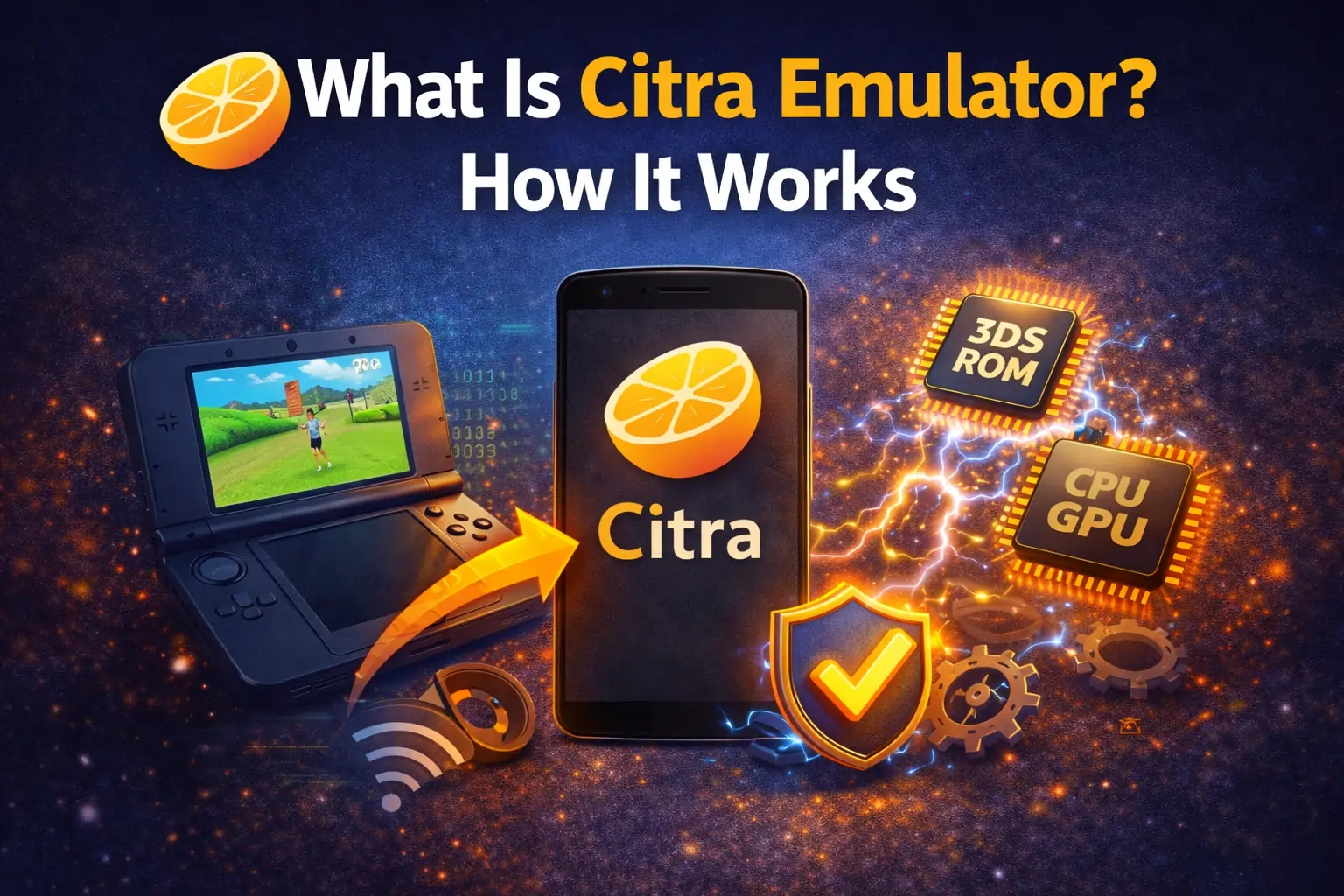
Citra Emulator is a free and open-source program that allows you to play Nintendo 3DS games on your computer or Android phone. It works by copying the functions of a real 3DS system, so your device can run the same games without needing the original console.
With Citra, you can play on a bigger screen, enjoy clearer graphics, and get smoother performance compared to the handheld device. It also supports controllers and custom settings, which makes gaming more comfortable and flexible for players.
How Does Citra Emulator Work?
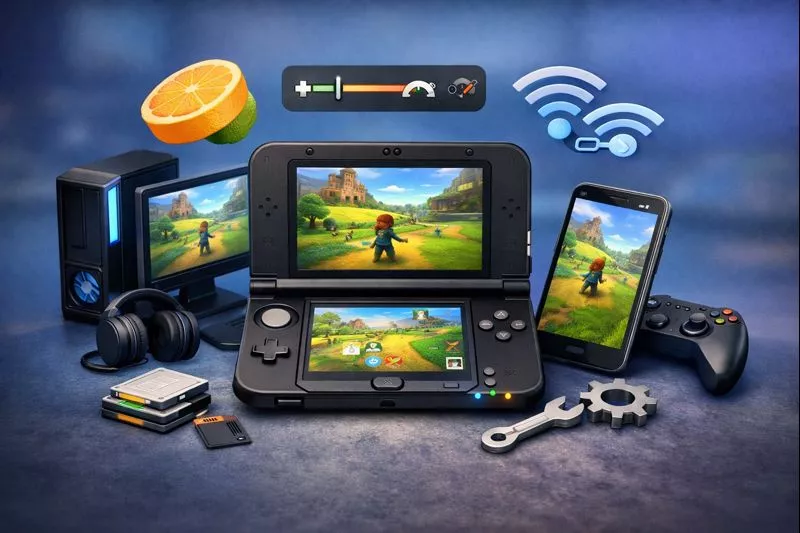
Citra Emulator works by running Nintendo 3DS games on your PC or phone using software instead of the real console. And you can download Citra Emulator safely from citraemulator.org. It takes the game file and changes it into a format that your device can understand and play. In simple words:
Because of this, you can play 3DS games on a bigger screen with better quality and smoother speed, depending on how powerful your device is.
Devices and Platforms Supported by Citra:
Citra Emulator supports multiple devices and operating systems, making it easy for users to play Nintendo 3DS games on different platforms. You can choose the system that fits your needs and hardware power.
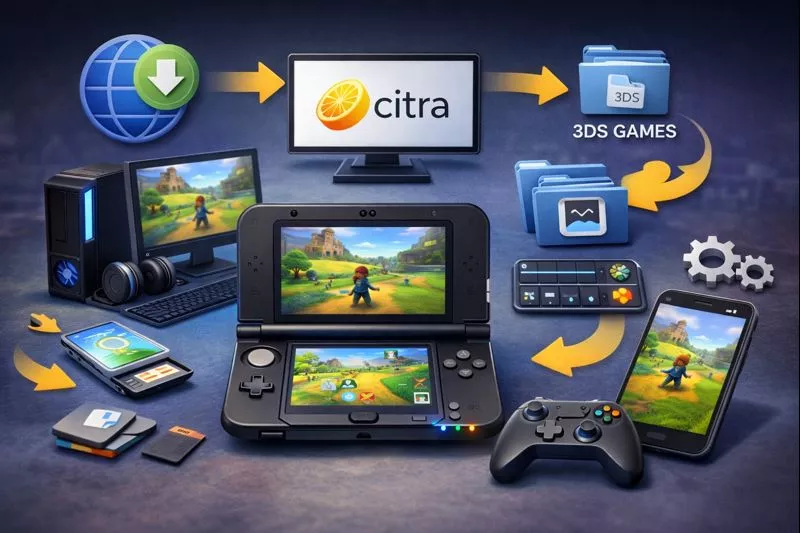
Citra Emulator on Windows:
Windows is the most stable and widely used platform for Citra Emulator. Most users get smooth gameplay on mid-range and high-end PCs with a good processor and graphics card. It also supports external controllers and advanced graphics settings for better performance.
Citra Emulator on Android:
Citra runs on many modern Android phones and tablets. Devices with powerful processors, especially Snapdragon models, provide better speed and smoother gameplay. Performance depends on your phone’s hardware and the game you are playing.
Citra Emulator on Linux and macOS:
Citra officially supports Linux and can run on macOS with some limitations. Game compatibility and speed depend on your system configuration and hardware power. Some games may run perfectly, while others may need extra settings to work well.
Key Features of Citra Emulator:
Citra Emulator comes with many useful features that make Nintendo 3DS games look better and play smoother than on the original handheld console. These tools give players more control, better quality, and a more comfortable gaming experience.
HD Rendering and Upscaling
Citra can increase the game resolution, which makes graphics look much sharper and clearer on bigger screens. Games that look blurry on the original 3DS become more detailed on PC and mobile. This makes the overall visual experience more enjoyable.
Custom Resolution Support
You can change the game resolution based on your device’s power. Lower resolution helps games run faster on weak systems, while higher resolution improves graphics on strong devices. This allows you to balance performance and quality easily.
Controller and Keyboard Mapping
Citra supports keyboard, mouse, and external game controllers. You can customize the buttons exactly the way you like for better comfort and control. This makes long gaming sessions easier and more fun.
Save States and Save Backups
Citra lets you save your game at any moment, even in the middle of gameplay. You can reload the game from the same point whenever you want. This helps avoid losing progress and makes difficult levels easier.
Cheats and Mods
Citra allows the use of cheat codes and game mods for extra features. You can unlock items, skip hard levels, or change game behavior. These options are optional and can be turned on or off anytime.
Multiplayer and Local Wireless Emulation:
Citra supports multiplayer features for some games through local wireless emulation. This means you can play with friends just like on a real 3DS console. It adds more fun and social gaming to your experience.
These features make Citra a popular choice for both casual gamers and advanced players who want better control and higher quality gameplay.
Best Settings for Smooth Performance:
Citra’s performance depends a lot on how your settings are configured. With the right setup, you can reduce lag, fix stuttering, and make games run much smoother. Even small changes in graphics and shader options can greatly improve FPS and overall gameplay experience.
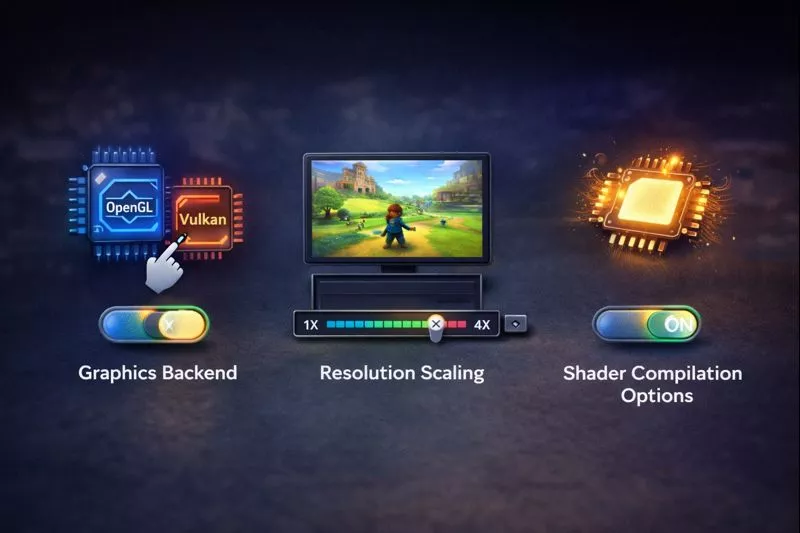
1. Graphics Backend:
Citra lets you choose how graphics are processed. Selecting the best option for your device can improve speed and reduce crashes. Some systems run better with OpenGL, while others perform well with Vulkan.
2. Resolution Scaling:
Lowering the resolution helps games run faster on weak devices. If you have a powerful PC or phone, you can increase the resolution for better graphics without losing performance.
3. Shader Compilation Options:
Turning on shader caching helps reduce stuttering during gameplay. After shaders are saved, games run more smoothly without sudden freezes.
Using the right settings can greatly improve FPS and make your games run faster and smoother.
Is Citra Emulator Safe and Legal?
Citra Emulator is safe to use because it is a free and open-source program made by developers around the world. It does not contain any Nintendo system files or hidden software, so installing it will not harm your device.
Using Citra is legal, but the way you get your games matters. If you play games that you copied from your own Nintendo 3DS cartridges or digital library, then you are following the rules. Downloading game files from random websites without owning them is not allowed and can cause legal problems.
Citra also does not need a BIOS file, which makes the setup simple and avoids extra legal issues for new users.
Common Problems Users Face With Citra:
Like any emulator, Citra can sometimes have issues, especially if the settings are not correct or the device is not powerful enough. Most problems occurs like citra emulator not opening etc and these can be fixed with simple changes.
Low FPS or Lag
Some games may run slowly or feel laggy, especially on weak PCs or phones. This usually happens when the processor is not strong enough or the graphics settings are too high.
Shader Stuttering
You may notice small pauses or freezes when a game loads new effects. This happens when Citra is building shader files for the first time. After a few minutes of gameplay, these pauses usually stop.
Games Not Loading
Sometimes games do not appear in the library or refuse to start. This can be caused by incorrect game files, wrong folder location, or missing permissions on Android.
Crashes on Startup
Citra may close suddenly when opening a game or starting the app. This often happens due to outdated drivers, wrong settings, or incompatible hardware.
Should You Use Citra Emulator in 2026?
Yes, Citra Emulator is still a good option in 2026 for playing Nintendo 3DS games on PC and Android devices. It allows you to enjoy your favorite games with better graphics, smoother performance, and more control than the original handheld console.
Citra is a great choice for players who already own 3DS games and want to play them on a bigger screen. It is also ideal for users who prefer higher resolution, better frame rates, and controller support. If you have a compatible PC or Android phone, Citra can give you a simple and powerful 3DS gaming experience.
Conclusion:
Citra Emulator is a powerful and easy-to-use program that lets you play Nintendo 3DS games on your PC and Android device. With support for better graphics, smoother gameplay, and controller options, it offers a much better experience than the original handheld console.
If you own 3DS games and want to enjoy them on a bigger screen with better performance, Citra is a great choice. With the right setup and settings, you can get smooth and high-quality gameplay without any difficulty.