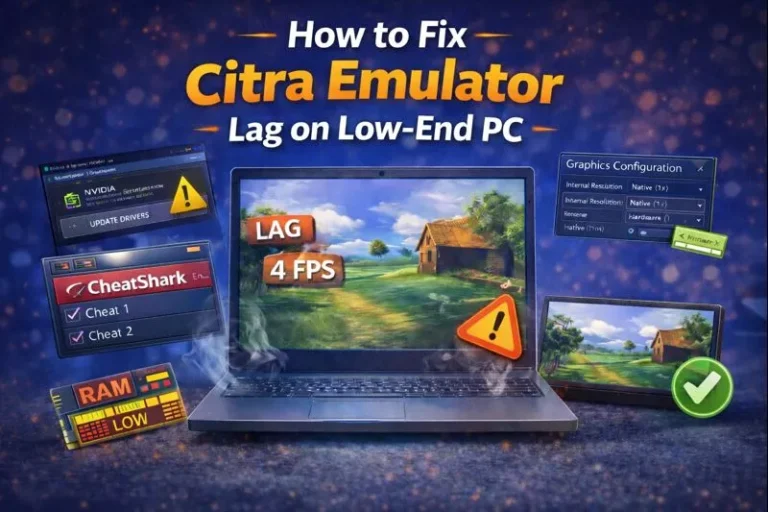
Citra Graphics Glitches & Rendering Issues — Complete Fix Guide
Quick Answer: The fastest way to fix graphics glitches in Citra is to change the graphics API. Go to Emulation > Configure > Graphics and switch between OpenGL and Vulkan to see which works better. Then update your GPU drivers because outdated drivers can cause display problems. Also enable Accurate Multiplication to fix shadow issues….